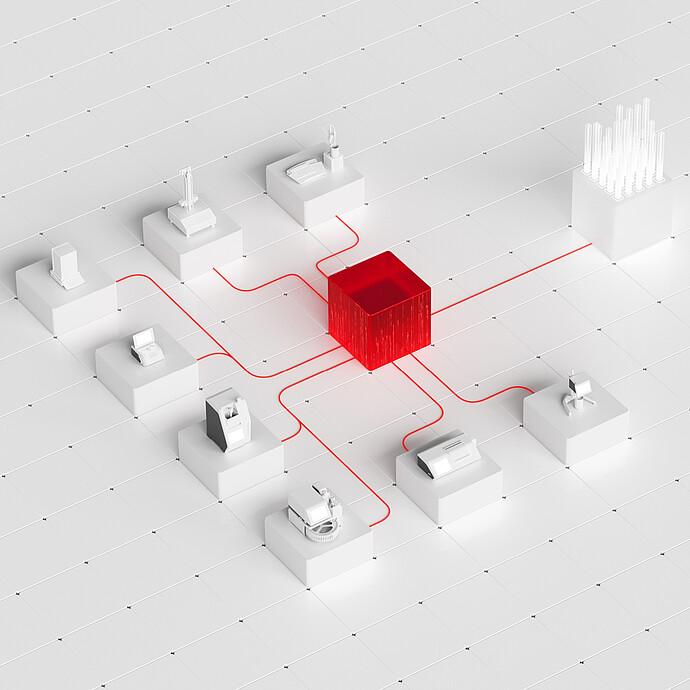
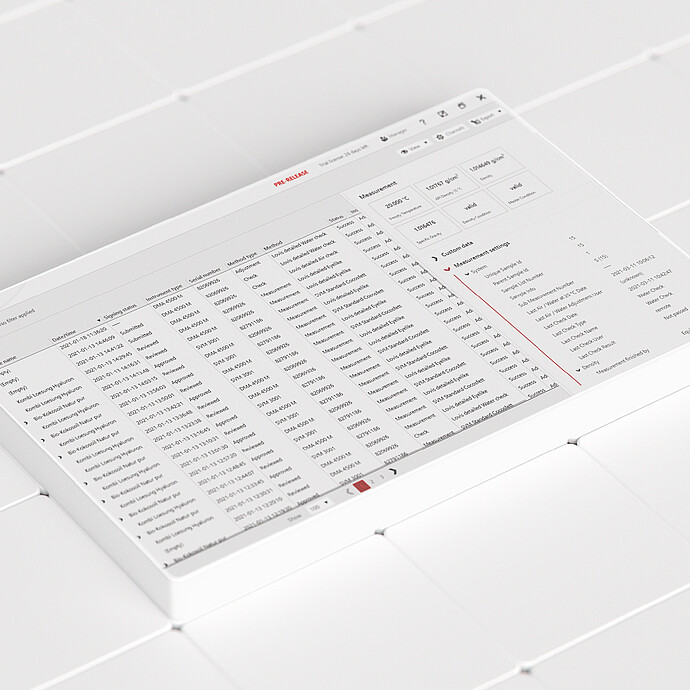
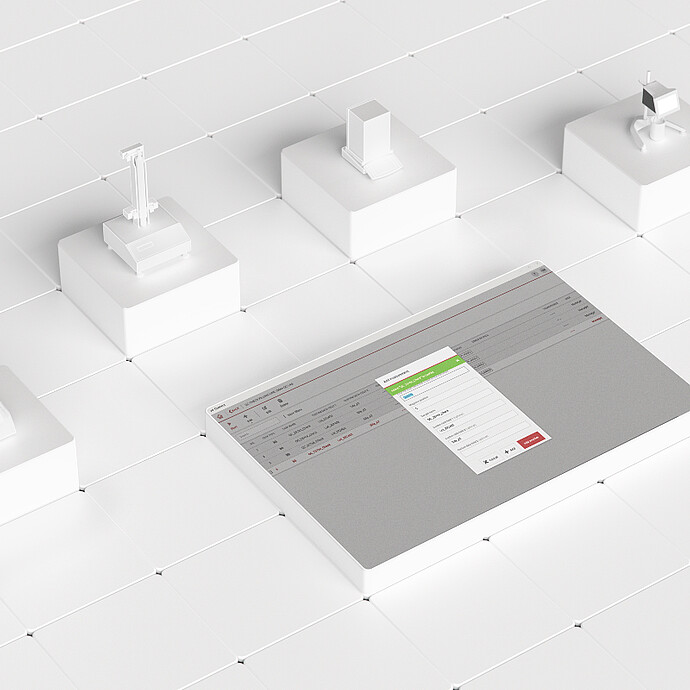
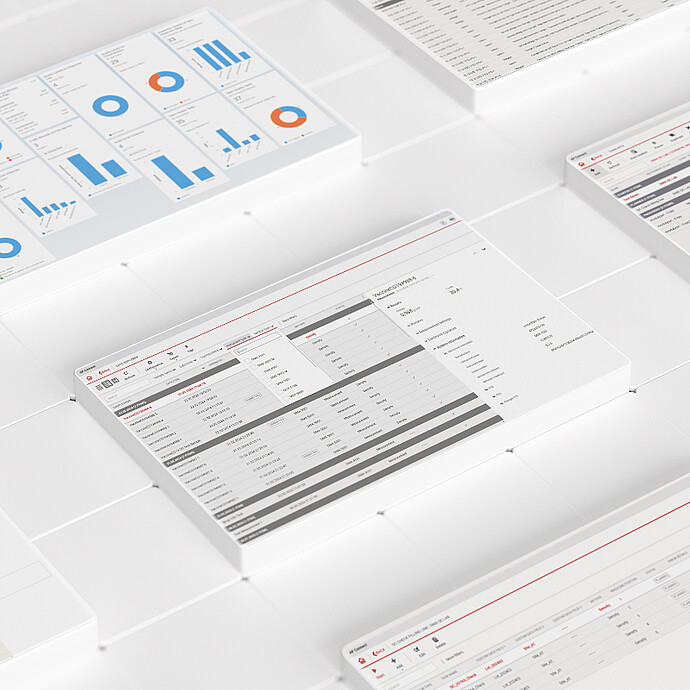
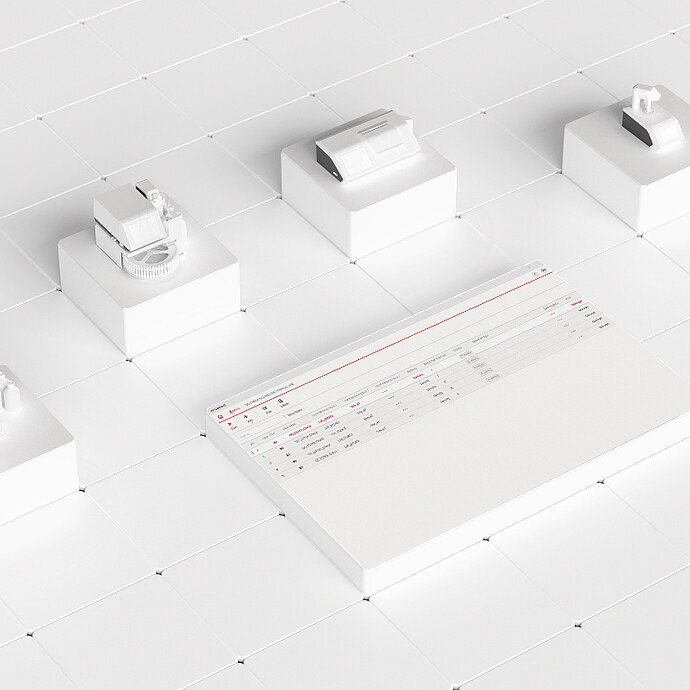
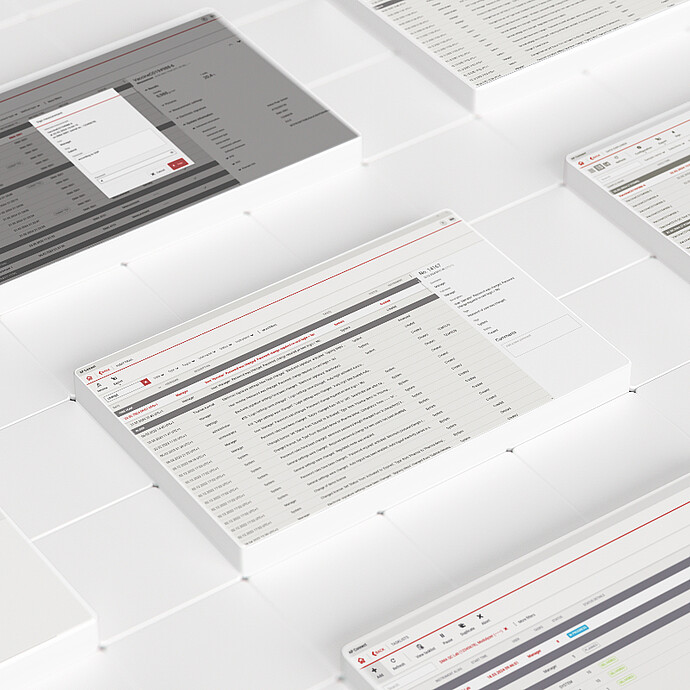
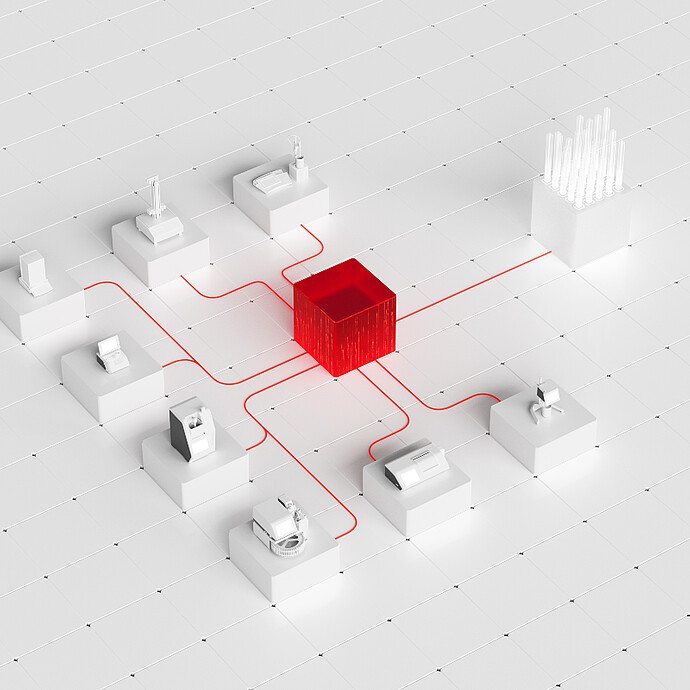
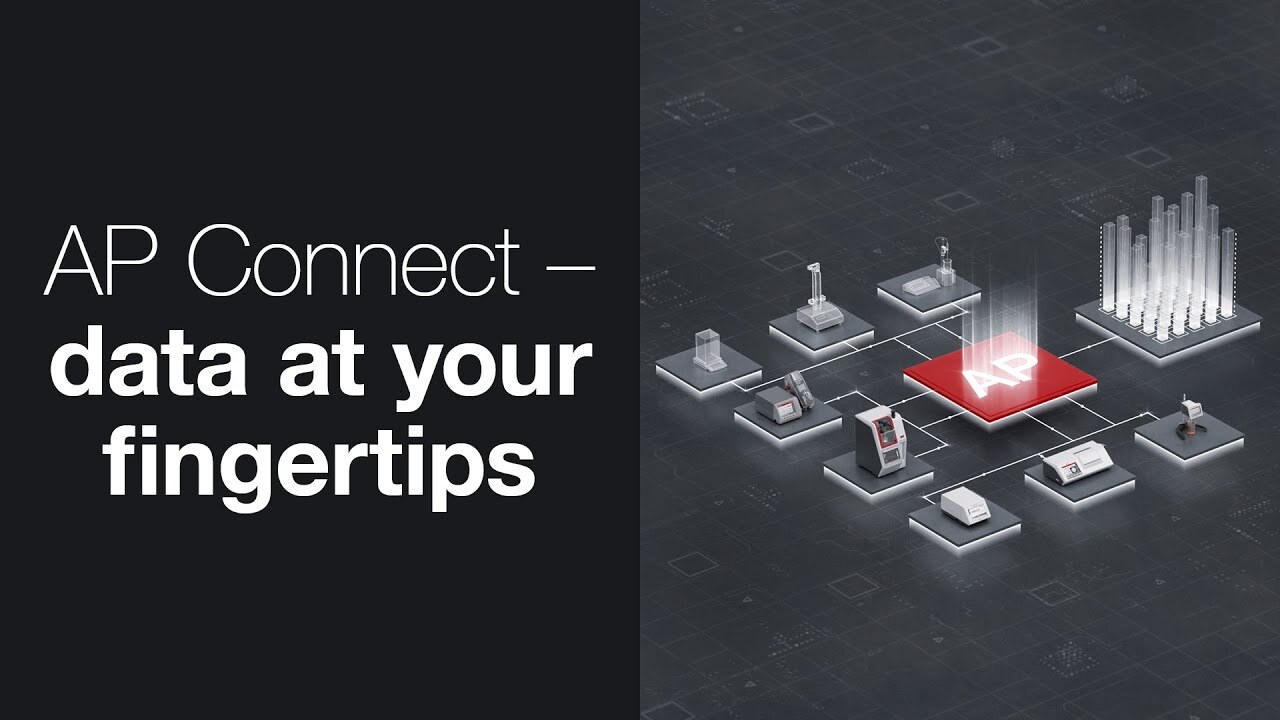
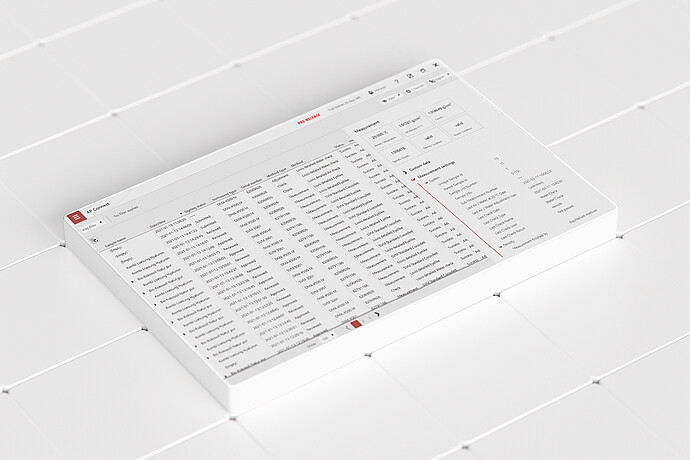
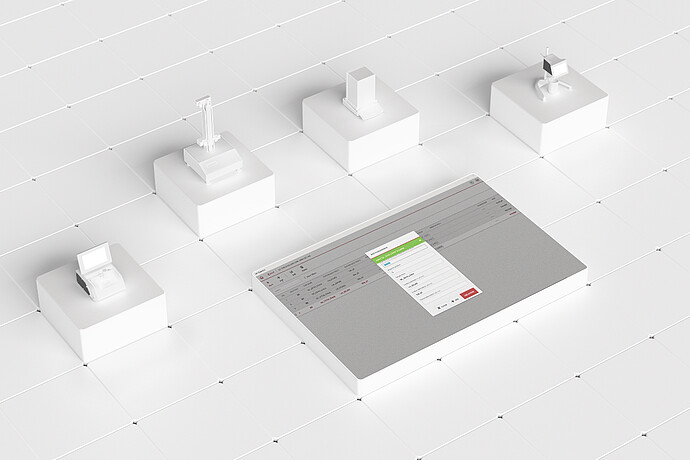
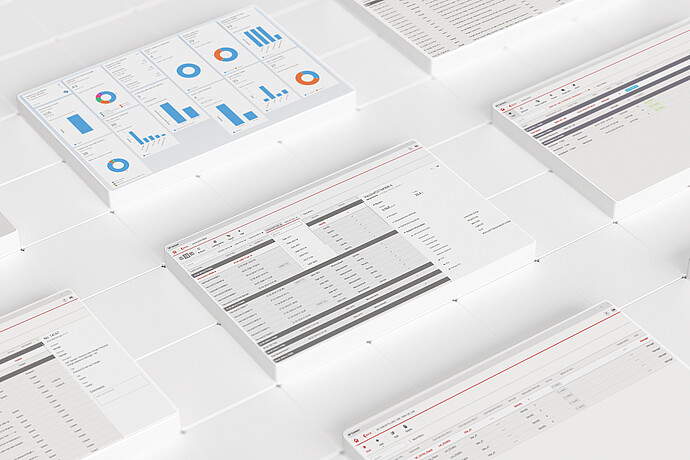
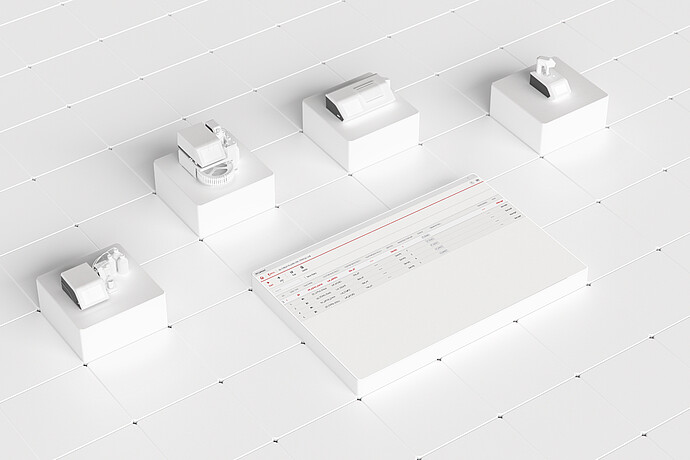
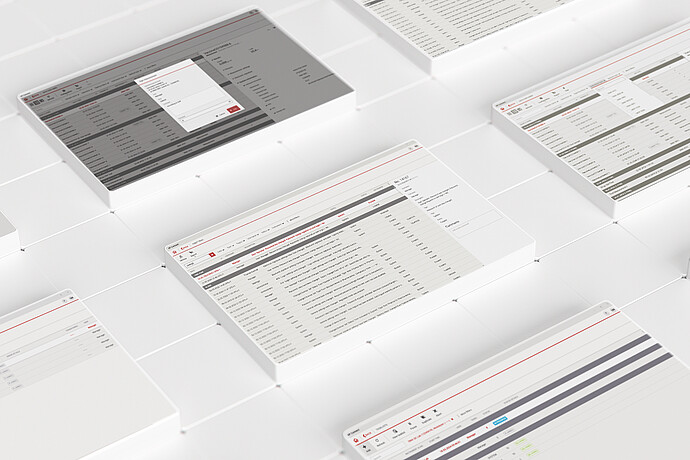
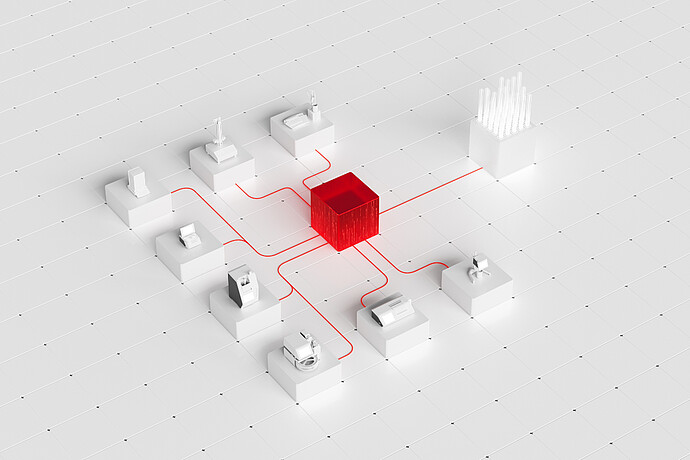
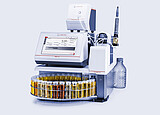
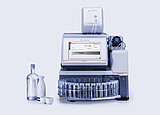
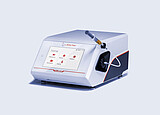
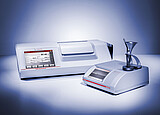
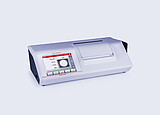
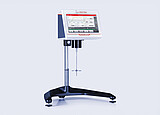
The AP Connect lab execution system connects laboratory data and data flow across Anton Paar and supported third-party instruments in one digital environment. It centralizes results, metadata, and settings, reduces manual transfer steps, and makes information available for structured export and integration into leading systems. The result: a more connected laboratory workflow with fewer manual errors, faster access to the right data, and more consistent data handling.
Key features
Access laboratory data without data silos
Stop searching for lab data across instruments, files, and printouts. AP Connect, the lab execution system from Anton Paar, brings measurement results, metadata, and instrument settings from connected instruments into one structured digital environment for review, analysis, export, and integration. Eliminating data silos gives you fast, reliable access to the information needed for faster decisions, with users able to work with data from any connected client without blocking instruments or returning to the lab bench. With multi-client access, teams can simultaneously monitor lab activity in real time and review or export data without interrupting ongoing processes.
Extend lab digitization beyond Anton Paar instruments
With the Instrument Adapter for AP Connect, supported instruments from other vendors can be integrated into the AP Connect digital environment alongside Anton Paar instruments. Heterogeneous instrument outputs are made available in the lab execution system within a unified data structure, reducing manual entry and helping laboratories break down data silos even further. This makes it easier to bring supported legacy and modern equipment into one connected laboratory environment with clearer, more harmonized data flows across instruments. Depending on instrument capabilities and setup, additional workflow benefits such as tasklist-based execution can also be enabled.
Structured data transfer to LIMS, ELN, and more
AP Connect acts as a central gateway, simplifying data transfer between your laboratory instruments and enterprise systems like LIMS and ELN. By harmonizing interfaces and automating data transfer, the lab execution system minimizes transcription errors and reduces operational costs. Data can be transferred via file-based exports or REST. Configurable CSV export allows adaptation of exported content to customer-specific system interfaces, reducing manual transfer effort and simplifying integration into existing IT landscapes. Communication via HTTPS helps protect the digital data flow and ensures a secure digital workflow from measurement to analysis.
Central user management and lab governance
Reduce user administration effort and strengthen lab governance. AP Connect enables centralized user management across AP Connect and supported instruments, helping IT and laboratory managers manage users, roles, and permissions more consistently. With the Labs feature, you can structure instruments, control who can see which data, and define who is allowed to execute workflows.
Digitally execute measurements with clearer traceability
Move task preparation out of the lab and digitally execute measurements. Tasklists in both Standard and Pharma editions let laboratories receive workflow information from leading systems, review metadata, and run supported measurement sequences with less manual re-entry and fewer transfer errors. For supported instruments, Anton Paar’s lab execution system provides clear user assignment for remotely started workflows, with the Pharma edition supporting fully traceable execution in regulated environments.
Review, approve, and trace regulated lab data
For regulated environments, AP Connect Pharma combines review and approval workflows, electronic signatures, audit trails, and centralized data handling in one system. This helps laboratories review data in context, keeps GxP-relevant information connected, and prepares more efficiently for audits and validation activities.
Specifications
Available editions
Features
Start
Standard
Pharma
Target customers
For all customers who want to get to know and grow with AP Connect, and who want to connect a single instrument.
Broad base. For labs and applications across industries.
Focused on labs in intensely regulated environments. For operators with specific stringent testing requirements.
Industries
Food and beverage industry, petroleum industry, chemical industry, flavors & fragrances industry.
Food and beverage industry, petroleum industry, chemical industry, flavors and fragrances industry.
Pharmaceutical industry, personal care industry, healthcare industry, nutraceutical industry, government compliance.
License
One-time license fee
One-time license fee
One-time license fee
Instrument connectivity
1 instrument
Up to 100 instruments
Up to 100 instruments
Data collection
✓
✓
✓
Data analysis (results browser)
✓
✓
✓
Data export
✓
✓
✓
Configurable automatic export
1 rule
Up to 100 rules
Up to 100 rules
Supported file formats for data export
PDF, CSV
PDF, XLSX, CSV
PDF, XLSX, CSV
Desktop installation
✓
✓
✓
Server installation
✓
✓
✓
Multi user (client) access
1 client
Multiple clients
Multiple clients
User management supporting Active Directory
✓
✓
✓
Fileless data transfer (REST API) [1]
✓
✓
Lab Management
✓
✓
Connect to instruments from other vendors [2]
✓
✓
Automated Measurement Scheduling and Execution
✓
✓
Roles and permissions
✓
✓
Review & approval process
✓
Electronic signature
✓
Audit trail
✓
Compliant with Title 21 CFR Part 11
✓
[1] Via separate license (extra license costs apply) [2] Additional adapters needed
[3] For detailed information, consult the "AP Connect supported instrument" document. * Anton Paar has tested and validated the integration of the software with the listed third-party instruments to ensure functionality and compatibility. However, the integration has not been certified by the respective third-party instrument manufacturers.
Minimum requirements for workstation and server installation (up to 30 instruments [4])
Minimum hardware requirements
64-bit CPU, minimum 4 cores If virtualized, allocate minimum 4 vCPUs that map to physical cores.
8 GB RAM
Screen resolution: 1080p
30 GB free disk space on system drive
Network connection
Recommended operating systems
Microsoft Windows 11 (x64)
Microsoft Windows Server 2022 (x64)
Microsoft Windows Server 2025 (x64)
Supported operating systems
Microsoft Windows 10 (Version 1607 or higher; end of life – not recommended)
Microsoft Windows Server 2016 (extended support – not recommended)
Microsoft Windows Server 2019 (extended support – not recommended)
Microsoft Windows Home editions are not supported
Supported SQL servers
MS SQL Server 2017
MS SQL Server 2019
MS SQL Server 2022
Storage
Up to 100,000 measurements (MS SQL Server Express Database)
Interface connectivity
Ethernet / RS-232
Export file format
.csv, .xlsx, .pdf, json [5]
[4] If connecting more than 30 instruments (up to 100), please consult the manual. [5] Via REST API
Standards
Open all
Close all
CFR
21 Part 11
Anton Paar Certified Service
The Anton Paar quality in service and support:
More than 350 manufacturer-certified technical experts worldwide
Qualified support in your local language
Protection for your investment throughout its lifecycle
We use cookies on our website. Some of them are necessary (e.g. for the shopping cart), others help us make our online content better and easier for you over the long term via analysis, external media, and marketing services. We also use third-party cookies from providers in the USA like Google or Facebook if provided with your consent (Art. 49(1)(a) GDPR). Your data may be transferred to the USA which does not have a data protection level comparable to GDPR. In this case your data may potentially be accessed by US Authorities for surveillance purposes and you may not be able to exercise effective legal remedies. You can accept or reject all cookies by clicking on the respective button or define your cookie settings using the link "Customize your cookie settings".
If you reject all cookies, only technically required cookies will be used. You can also withdraw your consent at a later time by accessing the Cookie Settings.
Marketing cookies are used by third parties or publishers to show you personalized advertising. They do this by tracking which websites visitors go to.
Content from video platforms and social media platforms is blocked by default. If you accept cookies from external media, accessing these contents no longer requires giving manual consent.
After being informed of potential risks for my data (including transfer to the USA and potential access by US authorities) in the Cookie Banner and Privacy Policy I accept the cookies from US-providers.