
This is a required field.
Invalid
Part number
Error in validation!

Thermal Analysis Software:
Julia Suite

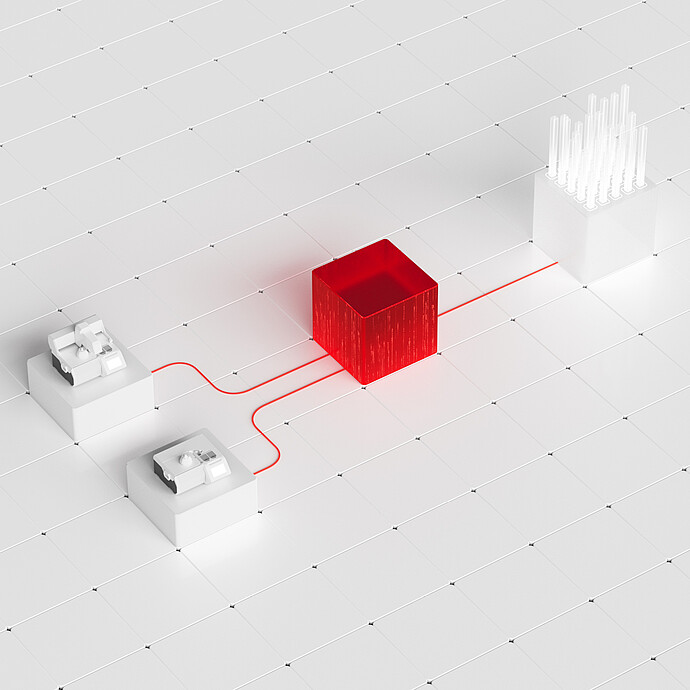
  • Julia Suite workflow with red data connections between lab instruments, a red central cube, and a sample rack on white tiles
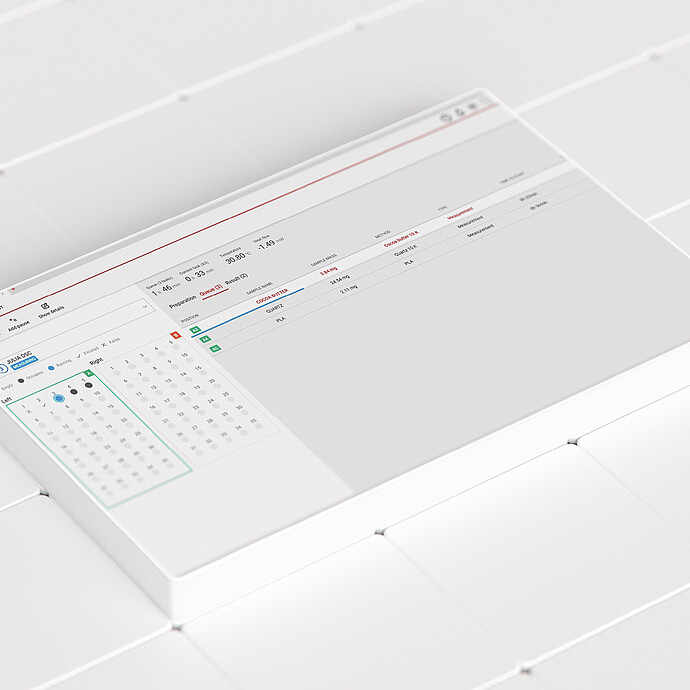
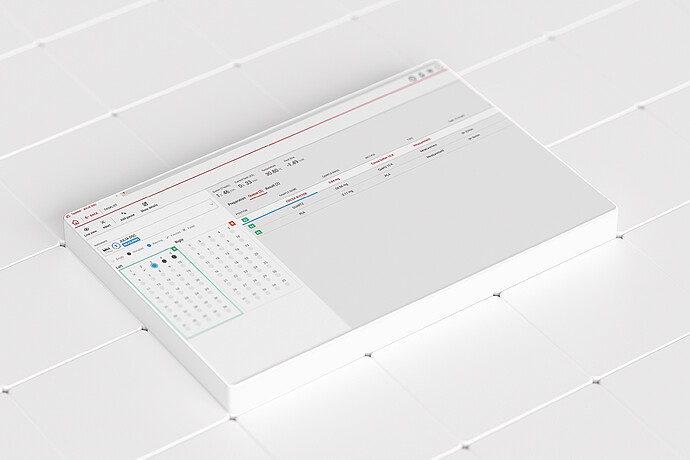
  • Julia Suite software interface showing a 96-well plate layout and measurement table on a white tiled surface
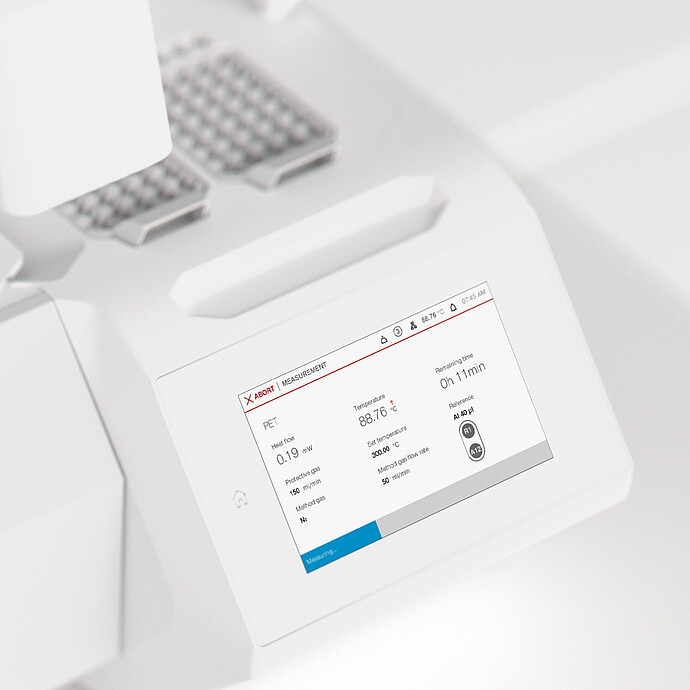
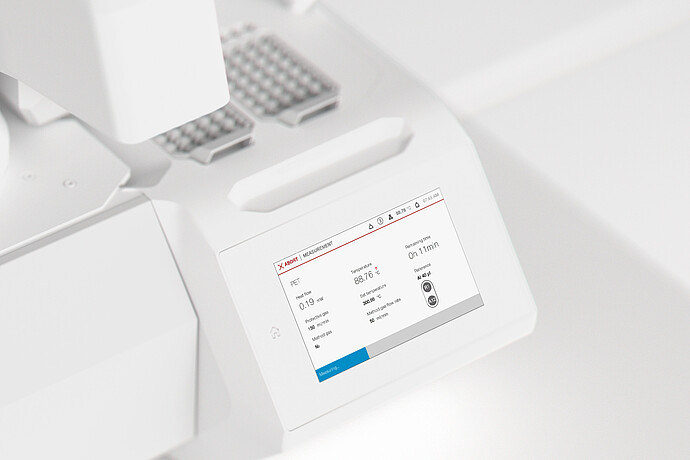
  • Julia Suite measurement screen showing PET heat-flow data beside sample trays on an Anton Paar lab instrument
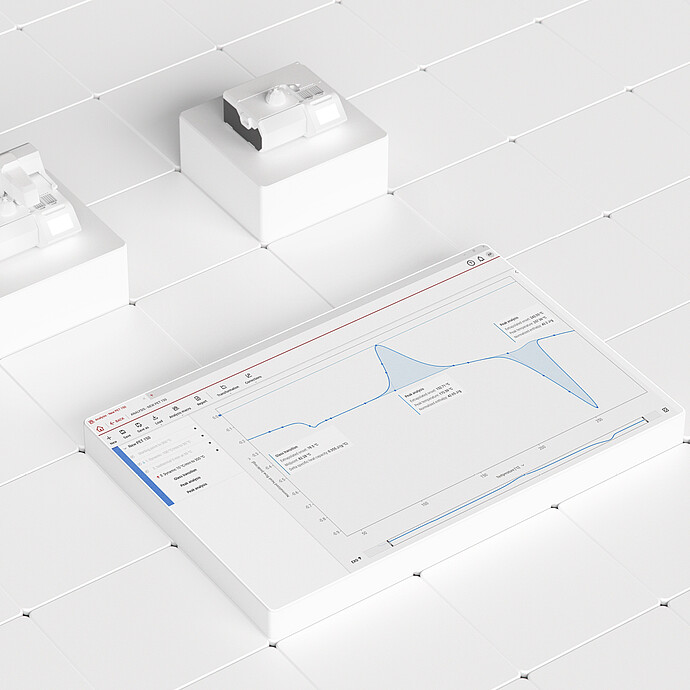
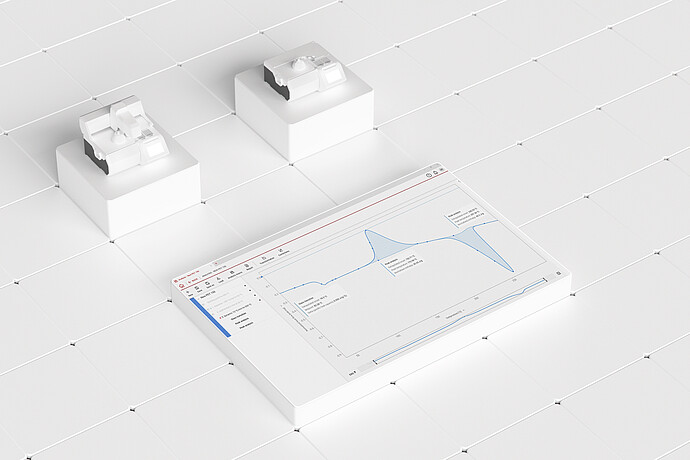
  • Julia Suite analysis screen with a blue measurement curve and two connected lab instruments on a white tiled surface
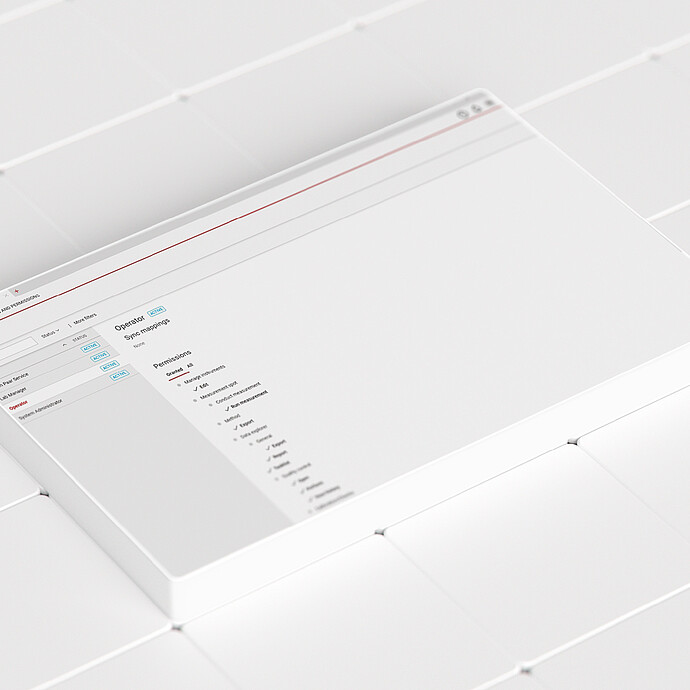
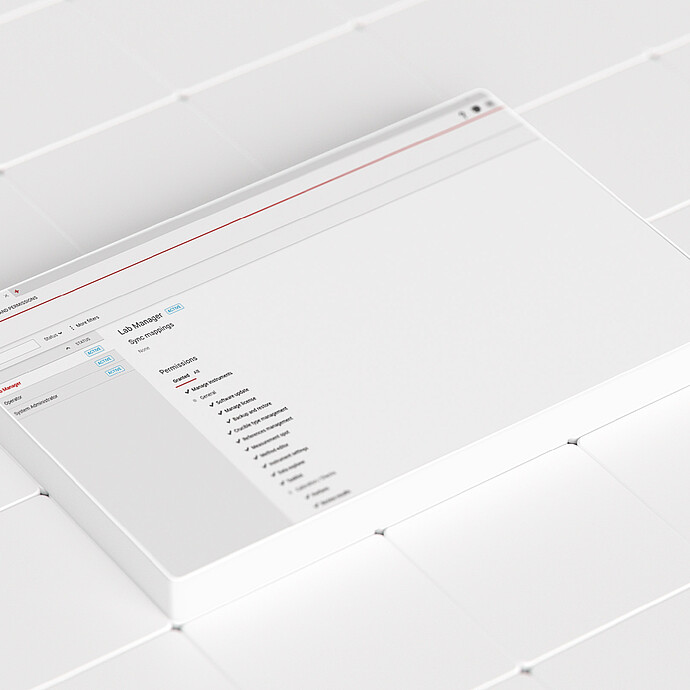
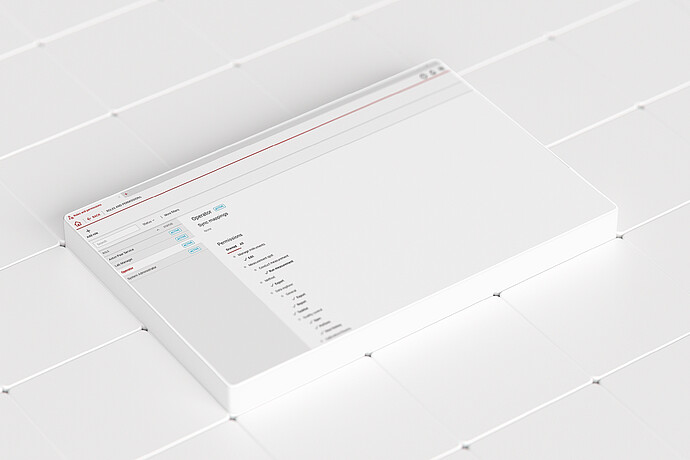
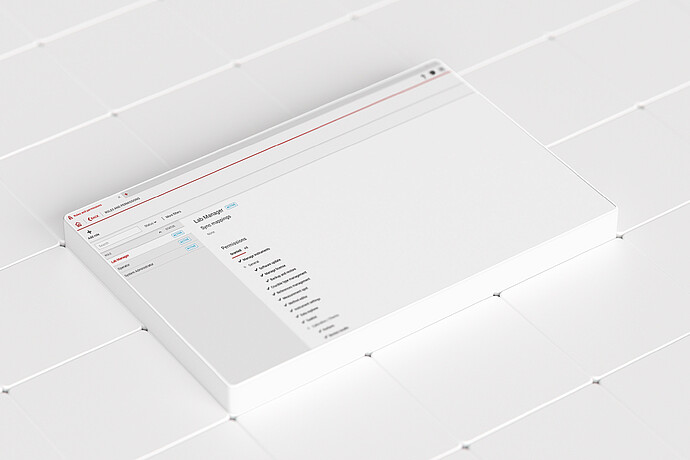
  • Julia Suite user management screen showing roles and permissions on a white tiled surface
  • Julia Suite workflow with red data connections between lab instruments, a red central cube, and a sample rack on white tiles
  • Julia Suite software interface showing a 96-well plate layout and measurement table on a white tiled surface
  • Julia Suite measurement screen showing PET heat-flow data beside sample trays on an Anton Paar lab instrument
  • +3
Model:
  • Advanced, upgradeable software for the Julia DSC series
  • Comprehensive analysis of heat flow effects with full set of functions 
  • Determination of specific heat capacity (Cp) using sinusoidal DSC
  • Automated generation of PDF reports

Created by users for users, the Julia Suite thermal analysis software takes you through the whole measurement process in four easy steps – all within a single workspace. Measurement calibration wizards deliver a streamlined, intuitive workflow experience. The software also supports sinusoidal DSC (SDSC), with guidance for selecting optimal parameters for modulation to obtain the best results.

Key features

Thermal analysis software with integrated calibration wizard

Calibration wizards for TruPeak, temperature, and enthalpy, as well as for the Julia DSC Autosampler, intuitively guide the user through the calibration process. Calibrations can be performed according to the specific crucible type,  minimizing the influence of crucible size and material to ensure highly accurate results. An upgrade to Julia Suite Professional provides an additional calibration segment for sinusoidal DSC. 

Julia Suite software interface showing a 96-well plate layout and measurement table on a white tiled surface

DSC method definition and task list for 24/7 measurements

Create clear and easy-to-use methods from scratch. Monitor live data, change the method parameters on the go, or skip the next segment in explorative measurements. Single-type measurements can be performed, or the task list can be used together with the Julia DSC Autosampler to increase your sample throughput. Depending on the license, up to eight instruments can be operated with the Julia Suite thermal analysis software. 

Julia Suite measurement screen showing PET heat-flow data beside sample trays on an Anton Paar lab instrument

All-inclusive feature list with Julia Suite Professional

With the Julia Suite Professional thermal analysis software, all relevant effects of the DSC curve can be analyzed. Whether you want to perform simple DSC evaluations, such as peak analysis, glass transition determination, or oxidation stability assessment (OIT/OOT), or you want to calculate heat capacity, perform purity analysis or other operations (e.g., smoothing, averaging, derivative), it’s all possible. By defining analysis macros, you can automate your analysis routines and generate measurement protocols with a dedicated workflow for repetitive tasks. 

Julia Suite analysis screen with a blue measurement curve and two connected lab instruments on a white tiled surface

DSC data integrity with Julia Suite Premium

For regulated environments, 21 CFR Part 11-compliant software ensures maximum data integrity and regulatory confidence, featuring a secure database, comprehensive data security, structured user management with defined roles, as well as electronic signatures and a full audit trail to guarantee traceability and compliance. Regulatory adherence while minimizing operational downtime and resource use is ensured with Anton Paar’s Pharmaceutical Instrument Qualification.   

Julia Suite user management screen showing roles and permissions on a white tiled surface

User-configurable Julia Suite for lower costs

Workplaces that perform regular DSC testing and analysis routines benefit from a configurable power scheme that reduces electricity and gas usage and extends the lifetime of the instrument. User administration enables efficient management of access rights and role permissions while optimizing data integrity.

Specifications

 Start*Professional Premium
Target group
 
Universities or research institutes that export and analyze curves with external softwareBroad base, for labs and applications across the industryRegulated environments, mainly in the pharmaceutical industry
CalibrationTruPeak, temperature, enthalpyTruPeak, temperature, enthalpy, SDSC (Cp)TruPeak, temperature, enthalpy, SDSC (Cp)
Analysis -Peak analysis
Glass transition
Oxidation stability (OIT, OOT)
Heat capacity
Purity 
Analysis of macro transformations (averaging, subtracting, 1st and 2nd derivative, etc.)
And more
Peak analysis
Glass transition
Oxidation stability (OIT, OOT)
Heat capacity
Purity 
Analysis of macro
transformations (averaging, subtracting, 1st and 2nd derivative, etc.)
And more
Audit trailBasicBasicCompliant
User management supporting active directoryYYY
Roles and permissionsYYY
Electronic signature  Y
Compliant with Title 21 CFR Part 11  Y
Export file format.csv, .jus, .pdf  (measurement).csv, .jus, .pdf (measurement + analysis)csv, .jus, .pdf (measurement + analysis)
License-One-time license fee per instrument connectionOne-time license fee per instrument connection
Instrument connectivityUp to 8 (depends on license)  

*60 days free trial of professional included.

Minimum hardware requirementsProcessor: x86-64 CPU with at least four physical cores (released in 2020 or later)
Memory: 16 GB RAM minimum, 32 GB recommended
Storage: SSD with 500 GB free disk space minimum, 1 TB recommended
Graphics: Integrated or dedicated GPU with at least 1 GB VRAM
Network: LAN port required
Display: Minimum resolution 1,920 × 1,080 at 32-bit True Color
A 24” display is recommended for optimal usability over a 15” laptop screen
Supported operating systemsWindows 10 or later
Supported SQL serversMS SQL Server 2019 or newer
Interface connectivityEthernet
Input devicesMouse and keyboard

Anton Paar Certified Service

The Anton Paar quality in service and support:
  • More than 350 manufacturer-certified technical experts worldwide
  • Qualified support in your local language
  • Protection for your investment throughout its lifecycle
  • 3-year warranty
Learn more

Compatible instruments

Industry
Applications
Standards
Your choice: Reset all filters