High- Performance Digestion for Challenging Samples
Achieve reliable ICP and AAS results with fast, high-temperature microwave digestion built for demanding materials.
Learn more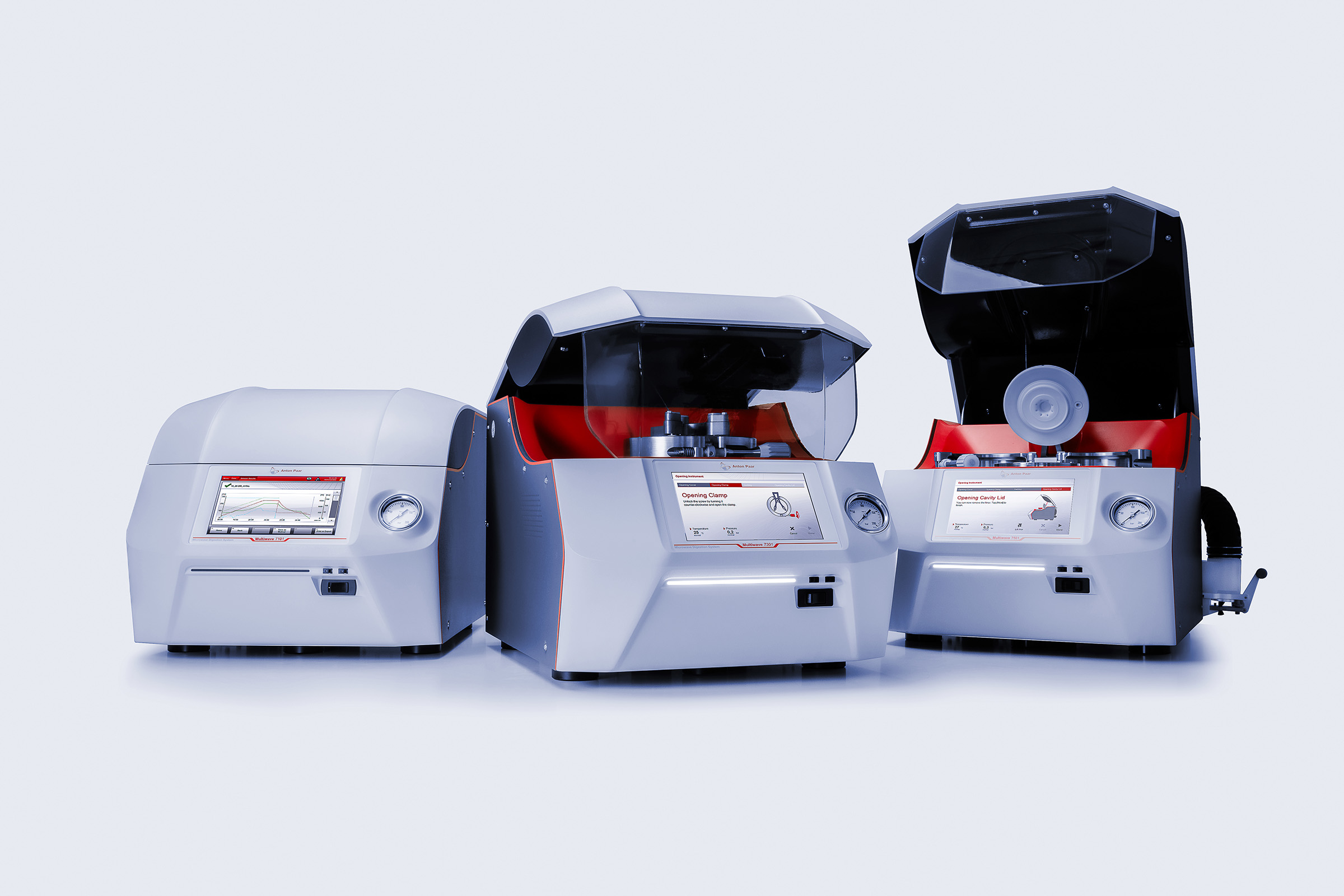
Identify Unknown Substances in Seconds
One of the lightest handheld Raman spectrometers on the market, Cora 101, enables clear and fast identification of unknown substances in the field or in the lab – from narcotics to hazardous materials, explosives, and raw materials.
Learn more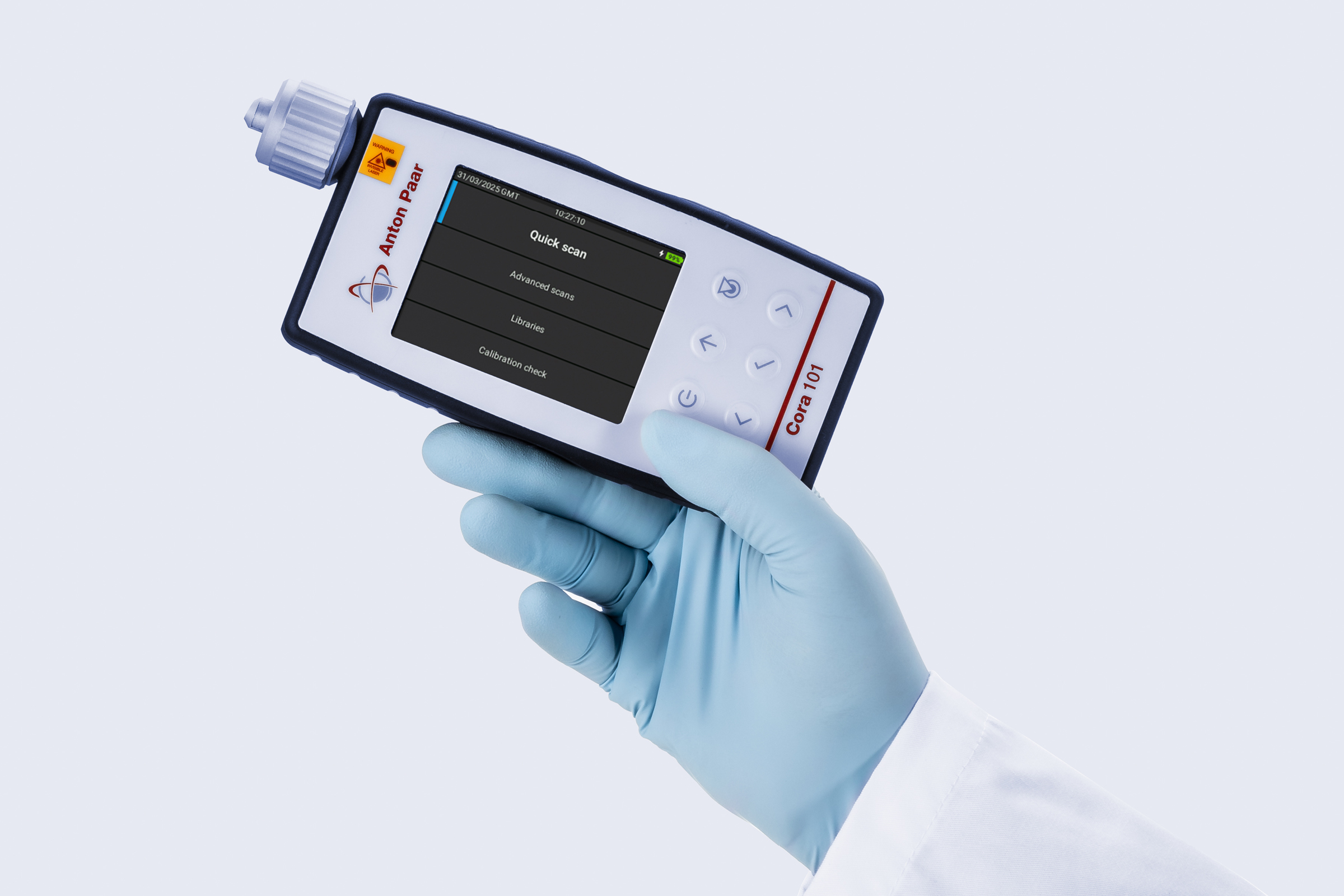
L-Cor 8500: The Coriolis Flow Meter for Super-High Pressures
The L-Cor 8500 high-pressure Coriolis flow meter is the best all-in one solution on the market for flow measurement of super-high pressure fluids – up to 120 MPa.
Learn more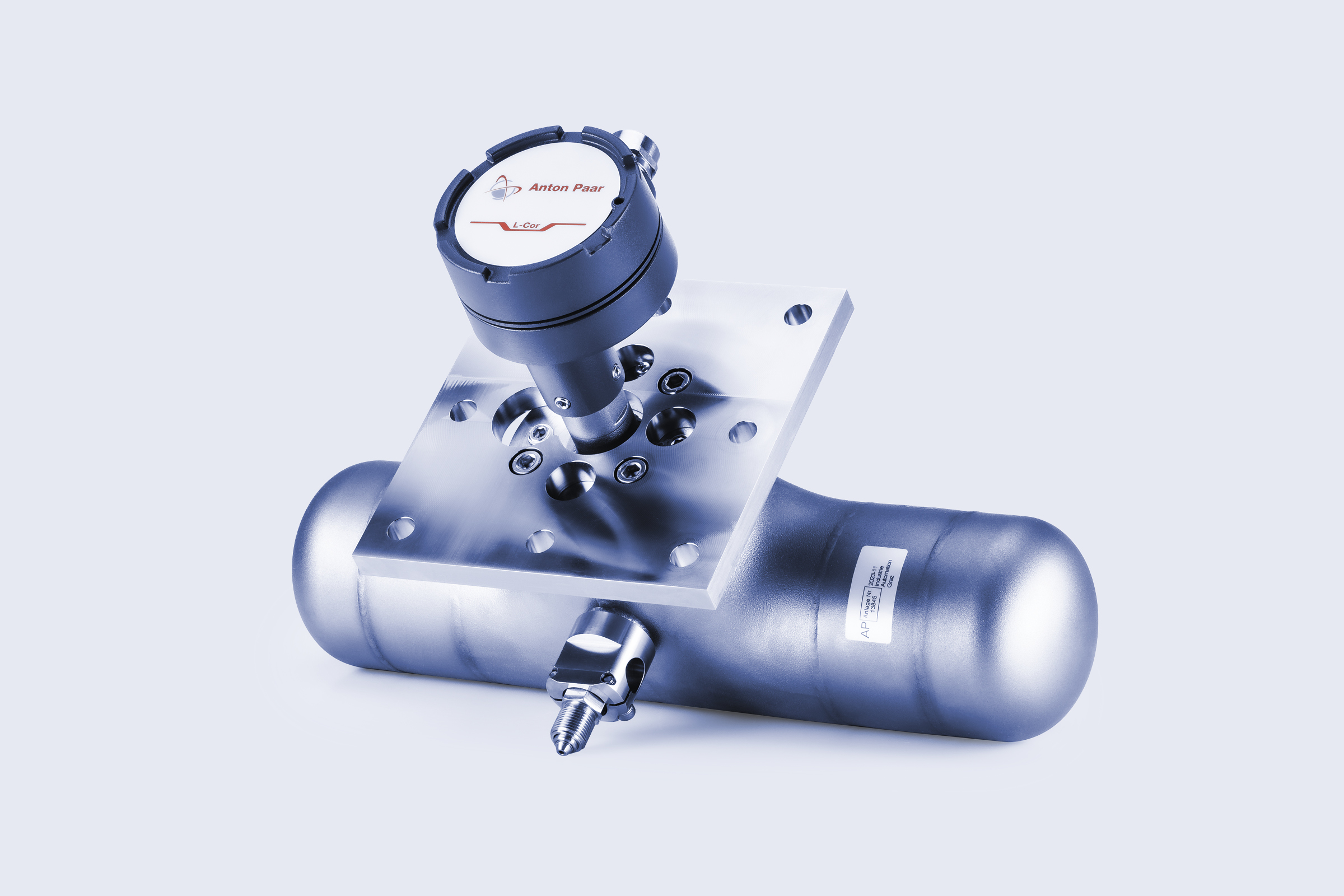
Julia DSC: Precision You Trust. Compliance You Need.
Discover 21 CFR Part 11-compliant software for Julia DSC, featuring full data integrity, audit trails, secure electronic records, user management via Active Directory, and more.
Learn more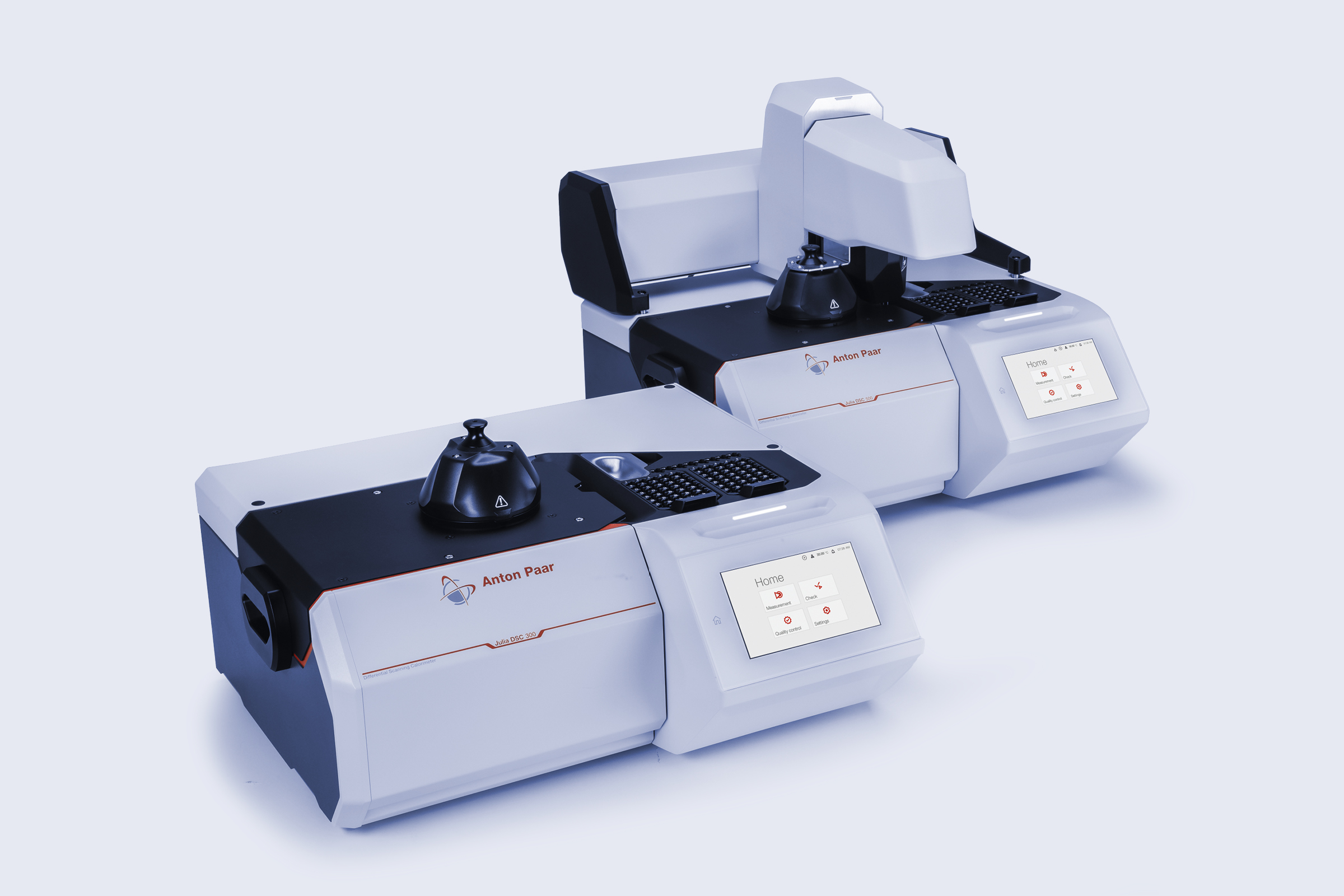
Precise Oxygen Measurement, Right at the Filling Line
The new TPO meter series measures total package oxygen in minutes, ensuring consistent filler performance and protecting beverage shelf life, flavor, and appearance.
Learn more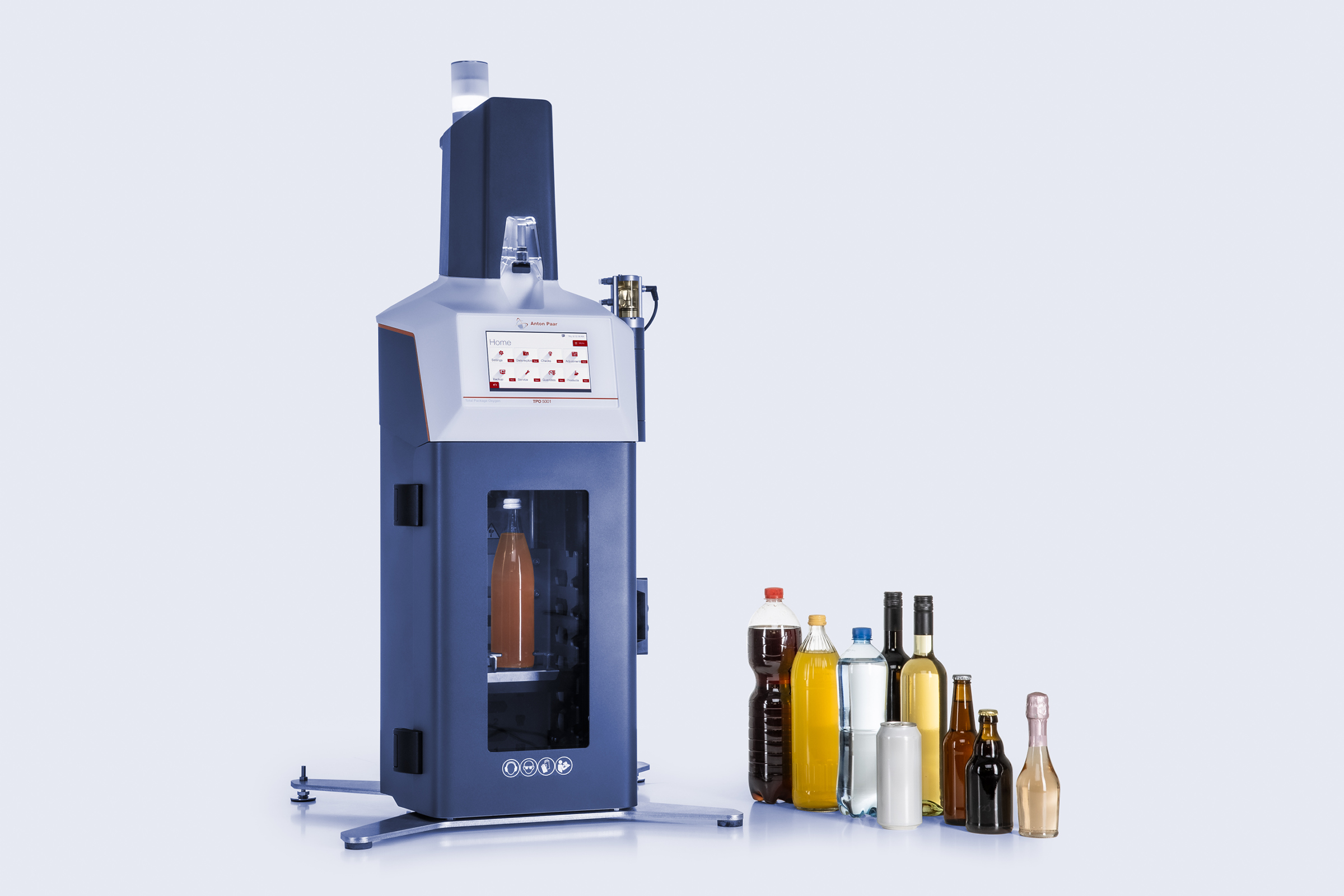


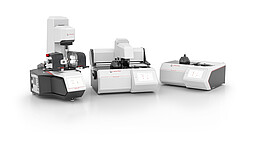
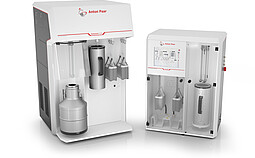
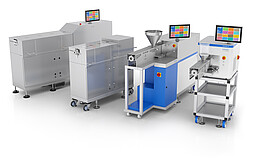
Laboratory Instrumentation
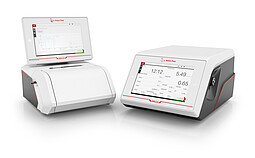
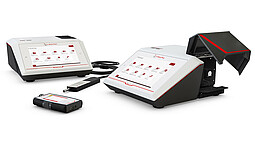
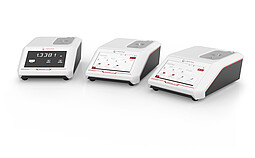
Anton Paar has a long history of providing high-end laboratory instruments: density meters, refractometers, polarimeters, instruments for sample preparation and synthesis, viscometers, rheometers, and instruments for material characterization.
Process Instrumentation
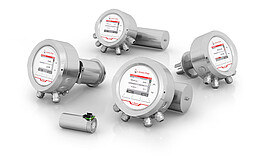
Anton Paar has your solution for inline production monitoring: The portfolio covers density and concentration sensors, inline refractometers, process viscometers and sensors for measuring dissolved CO₂.
Automation & Robotics
Anton Paar designs automation solutions from the first idea to final production: sample changers for automating single devices, robotically operated rheometers and a platform which automates multiple instruments.
News from the Anton Paar Group


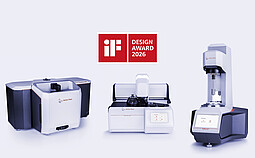
About Anton Paar
Anton Paar develops, produces and distributes highly accurate laboratory instruments and process measuring systems, and provides custom-tailored automation and robotic solutions. It is the world leader in the measurement of density, concentration and CO2 and in the field of rheometry. As part of the Anton Paar Group AG, Anton Paar GmbH is owned by the charitable Santner Foundation.
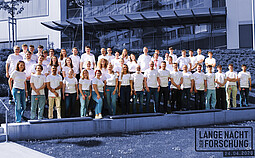
Over 4,400 employees at the headquarters in Graz and the 40 sales subsidiaries worldwide ensure that Anton Paar products live up to their excellent reputation. The core competence of Anton Paar – high-precision production – and close contact to the scientific community form the basis for the quality of Anton Paar’s instruments.
Read more
Anton Paar GmbH – Headquarters
Anton-Paar-Straße 20
8054 GRAZ
Styria
AUSTRIA
Office+43 316 257 0